Tracking that takes three seconds
When logging is this quick, you keep doing it. That’s the whole trick.
Say it
Hold the mic and talk the way you’d text a friend. One entry or five at once.
Check it
Amount, category and date are filled in for you. Save it, or fix anything first.
Watch it add up
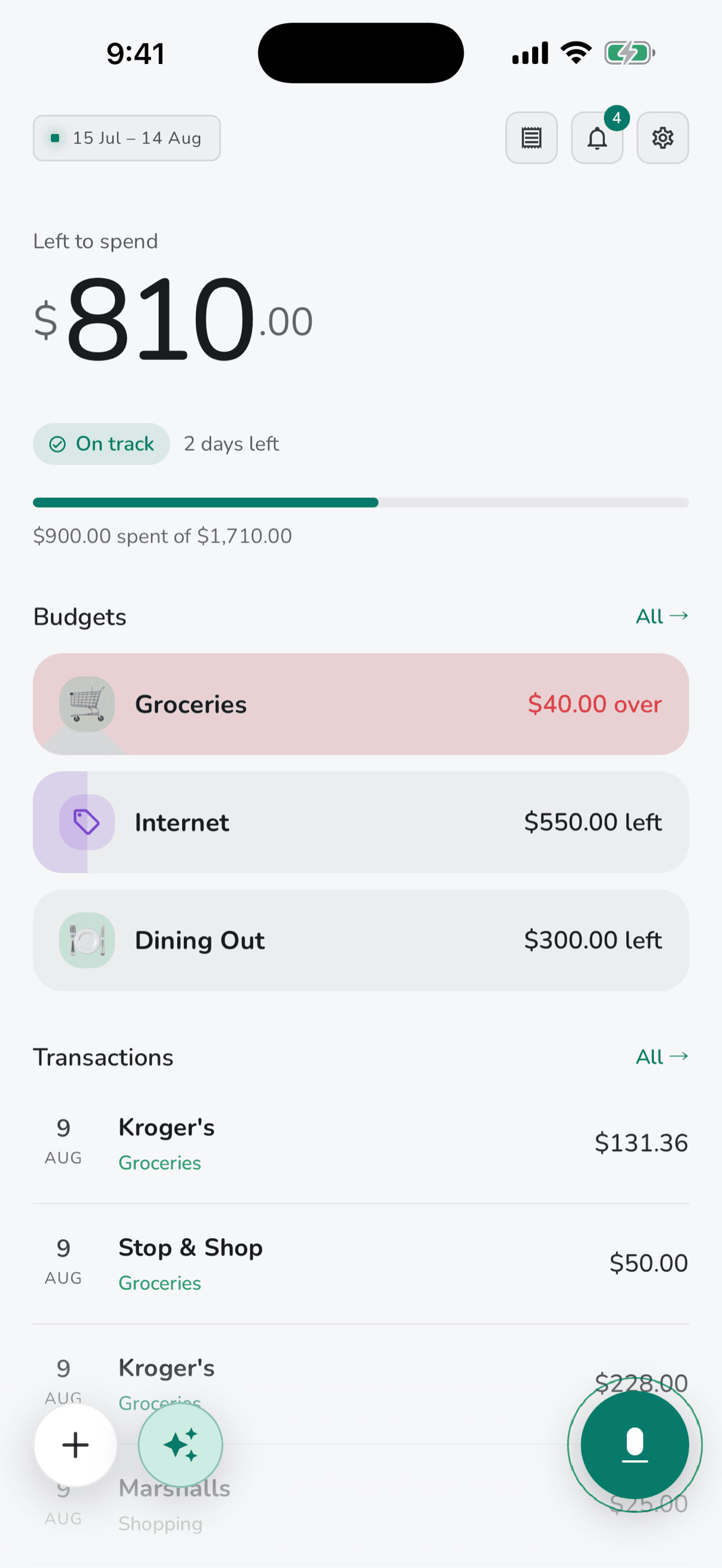
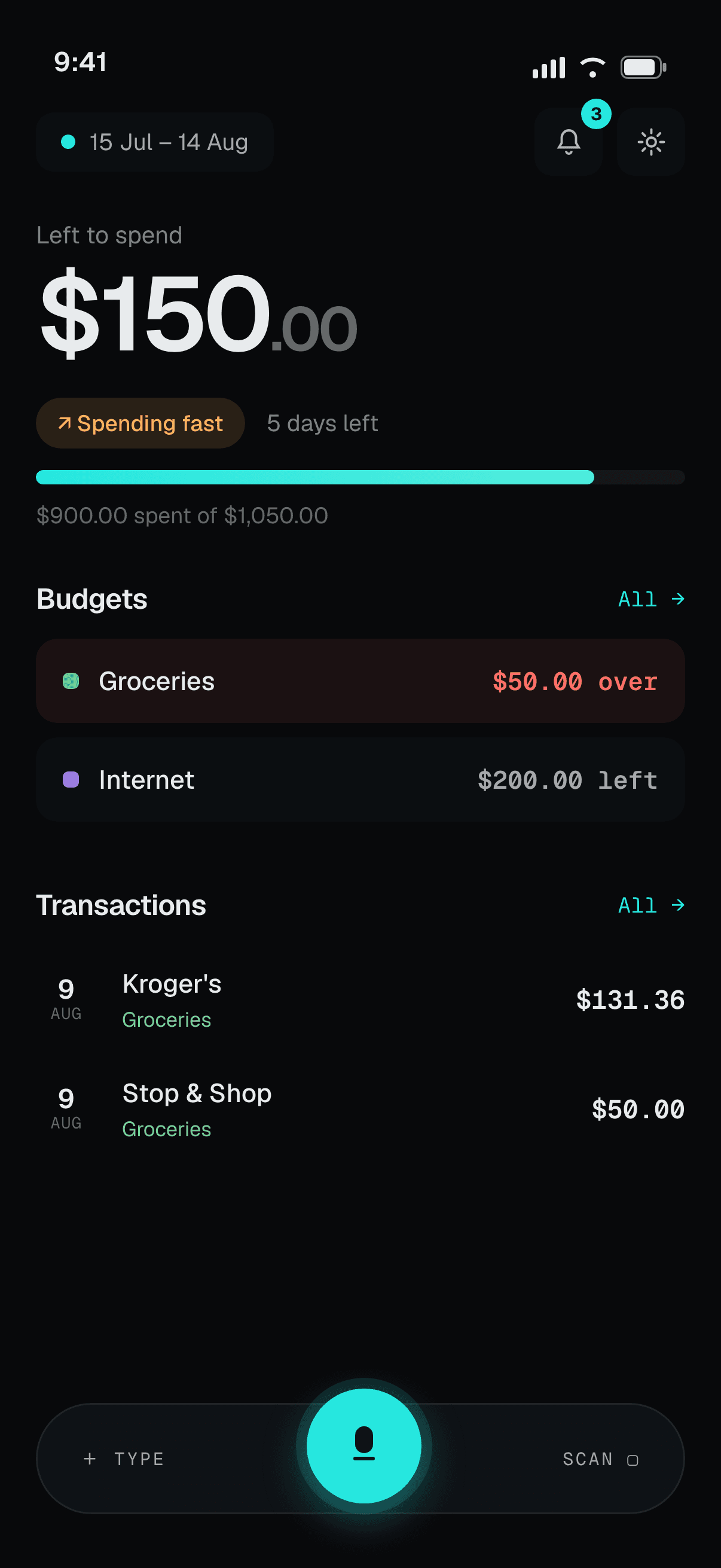
Your budget updates the moment you save, so you always know what’s left.
Everything you need, nothing you don't
No bank linking, no dashboards to decode. A fast way to log spending and a clear view of what’s left.
Speak your spending
“Twenty on lunch, fifteen on parking.” Speech is transcribed on your phone, then turned into ready-to-save entries.
- Several transactions in one breath
- Amount, category and date detected
- Review before anything is saved
Don't lift a finger
Say “Hey Pocket” to add a transaction, jump to a screen, or ask about a budget. Opt-in, and it only listens while the app is open.
- Hands-free capture
- “How much is left for dining?”
- Off until you switch it on
Or just scan it
Receipts, bills, bank screenshots or a PDF statement. Pocket works out what it is: a receipt becomes an expense, a bill an upcoming payment, a screenshot a list of transactions.
- Camera, photos or a PDF
- Skips anything already logged
- Read once, never stored
Type it, fast
Prefer the keyboard? Add one entry, or a few at once, each with its own date, category and merchant.
- Add many at once
- Each with its own date
- Or type it out freely
Bills and paychecks add themselves
Set up rent, a subscription or your paycheck one time. After that it’s added on the day, and a notification lets you undo or edit it.
- Added at 7am on the day
- Undo or Edit from the notification
- Skip or pause any time
- Weekly to yearly, or just once

Know what's left
Left to spend starts from what you earn. It takes your income, subtracts what you’ve spent, and sets aside the bills still to come this cycle.
- Income − spent − still scheduled
- Tap the number to see the math
- Counts from your own payday
Budgets that reset on payday
Most apps reset on the 1st, but your paycheck doesn’t arrive then. Pick your start day and every category tracks from when the money actually lands.
- A limit per category
- Clear pace: on track, fast, or over
- A quiet alert before you overspend
Ask your money anything
Pocket answers from your real spending, income and budgets, with a chart when it helps. It explains and advises, and it never makes up your numbers.
- “Can I afford this?”
- “Where did it all go this month?”
- Charts and reports you can share
Budget together
Pair with your partner and share one space: the same transactions and the same budgets, in sync for both of you.
- Invite your partner by email
- Live sync between two phones
- One subscription covers you both
And the little things
No bank logins
You never hand over banking credentials. You decide what goes in.
Private by design
Your data is never sold or shared for advertising. Delete it all anytime.
Budget alerts
A quiet nudge when a budget nears full, at the threshold you choose.
Custom pay cycle
Any start day, so budgets match when your money actually arrives.
Speak, scan and chat in 5 languages
English, Spanish, French, German and Portuguese. Light and dark mode too.
Notes by voice
Say “note: mom’s birthday” and it’s saved with the transaction.
Arrange your Home
Drag Home’s sections into the order you want and hide the ones you don’t use.
Catch up on past days
Missed a few days? Add several at once, each with its own date.
Shortcuts on the app icon
Press and hold the app icon to jump straight to voice, scan or typing.
Less than a coffee a month
Try everything free for 3 days, then pick a plan. One plan, every feature, cancel anytime.